Creating Ads Account run by Virteom
Google Ads | Creation of Client Ad Campaigns
Google Ads | Creation of Client Ad Campaigns
Google Ads| Creation of Client Ad Campaigns
- Login to https://ads.google.com/
- Using the credentials for virteomads1@gmail.com in 1Password, sign-in
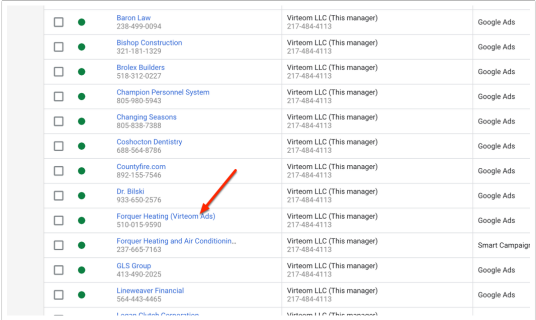
- Select the Virteom LLC Agency-level account
- Click the plus sign to add an account
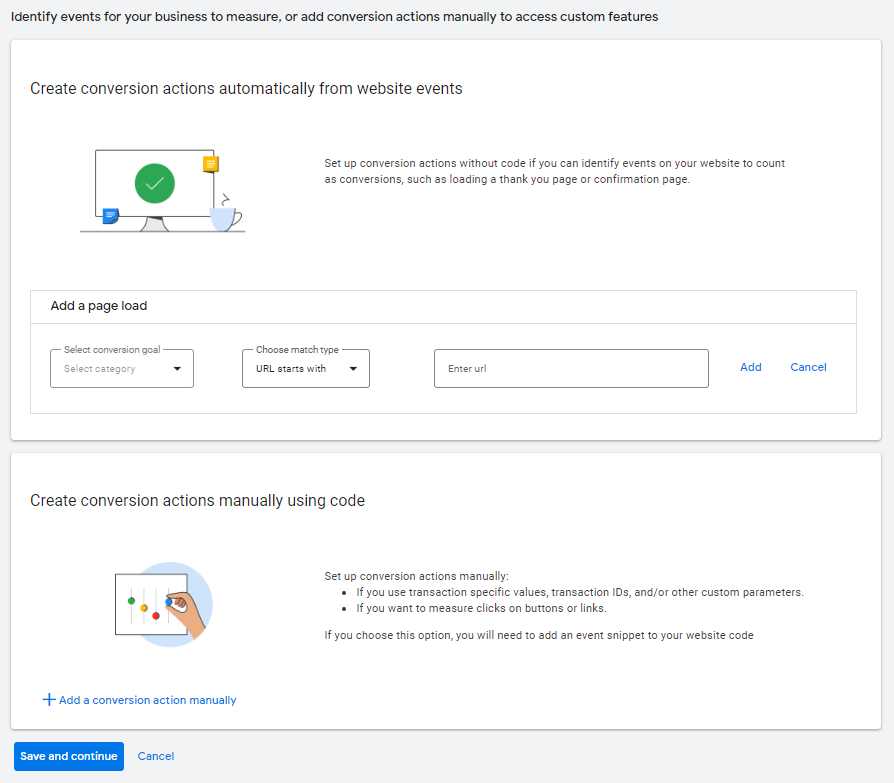
- Click "Create new account", you should see the following screen:

- Fill in account information and click "Save and Continue"
- Use the Default Billing card that comes up for the account and click "Submit"
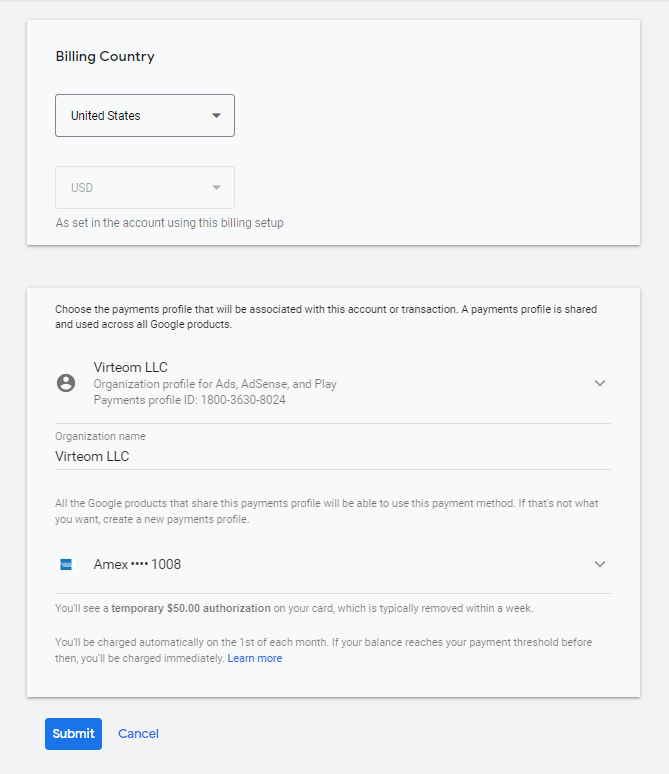
- Go into the account and start adding conversions.
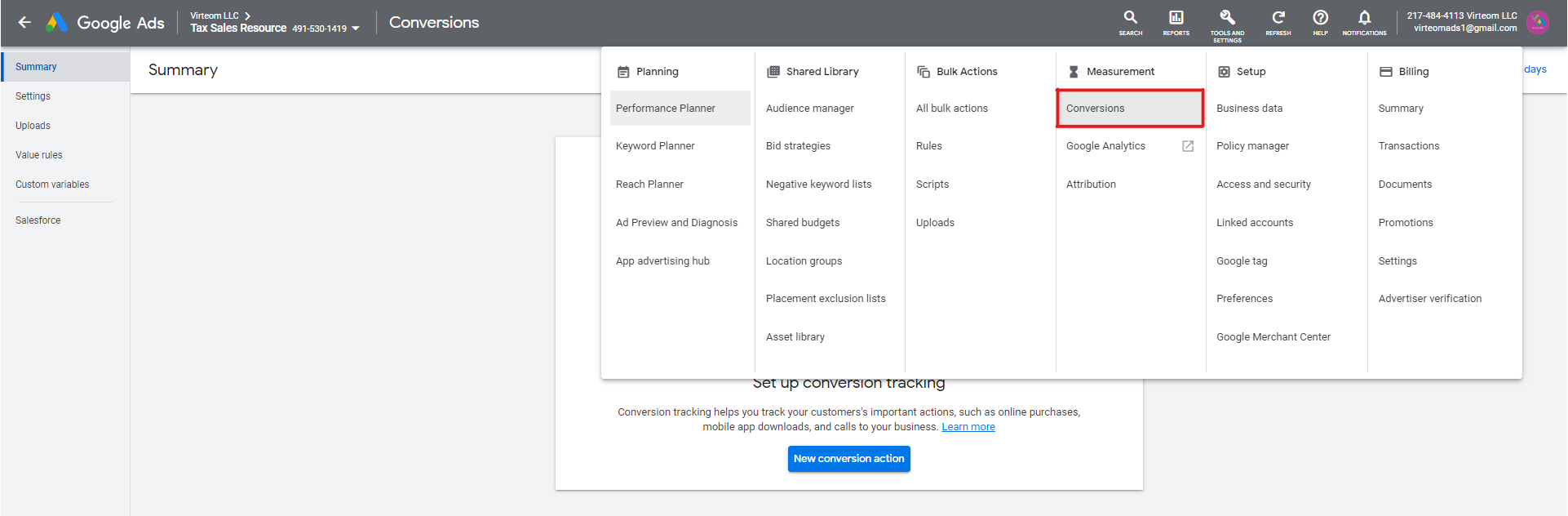
- Click on the "Wrench" icon titled "Tools and Settings" to build conversions.

- Click on Conversions
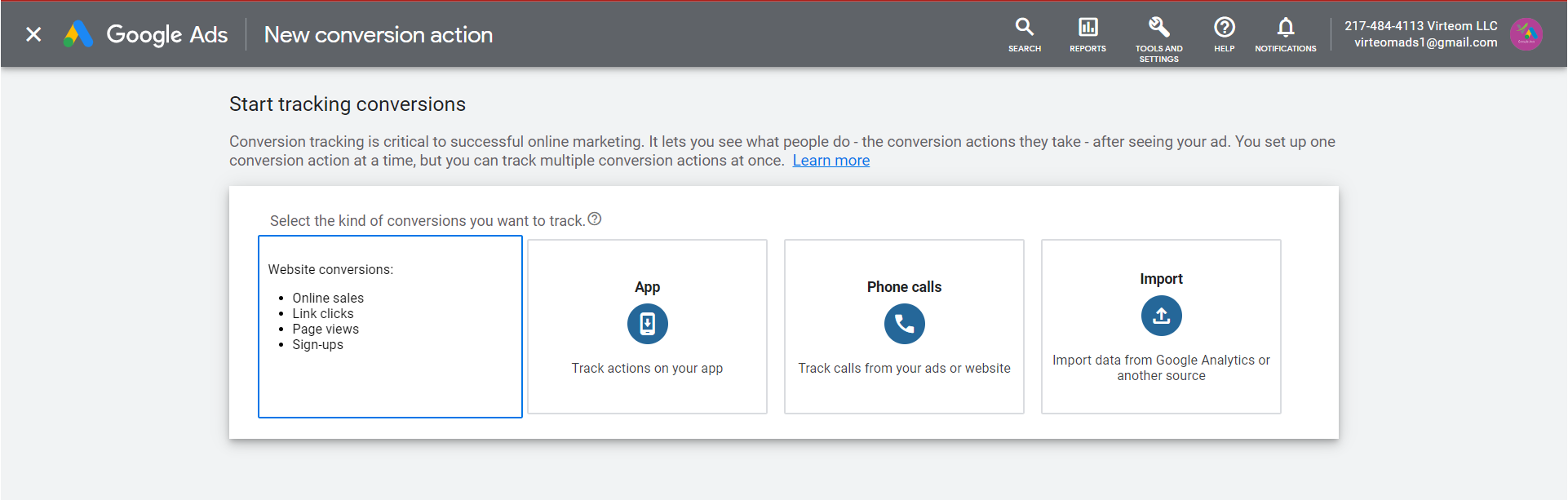
- Click on Website
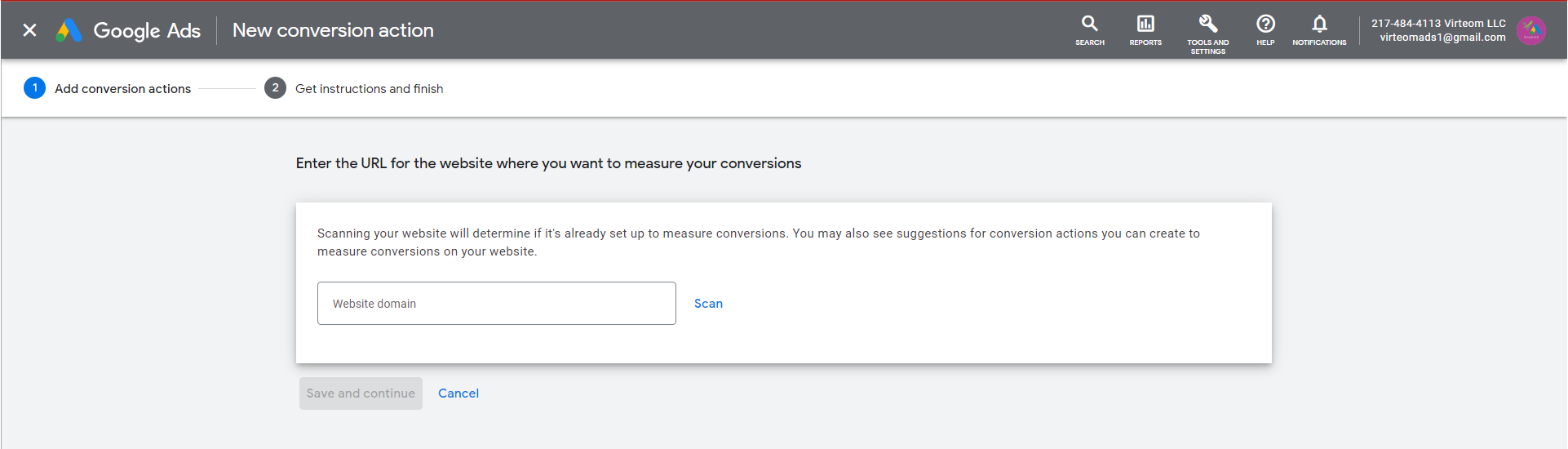
- Input the client's domain
- See options (needs to be changed)